Photoshop Tutorial: Removing Textures Using Photoshop Layer Masks & Custom Healing Brushes
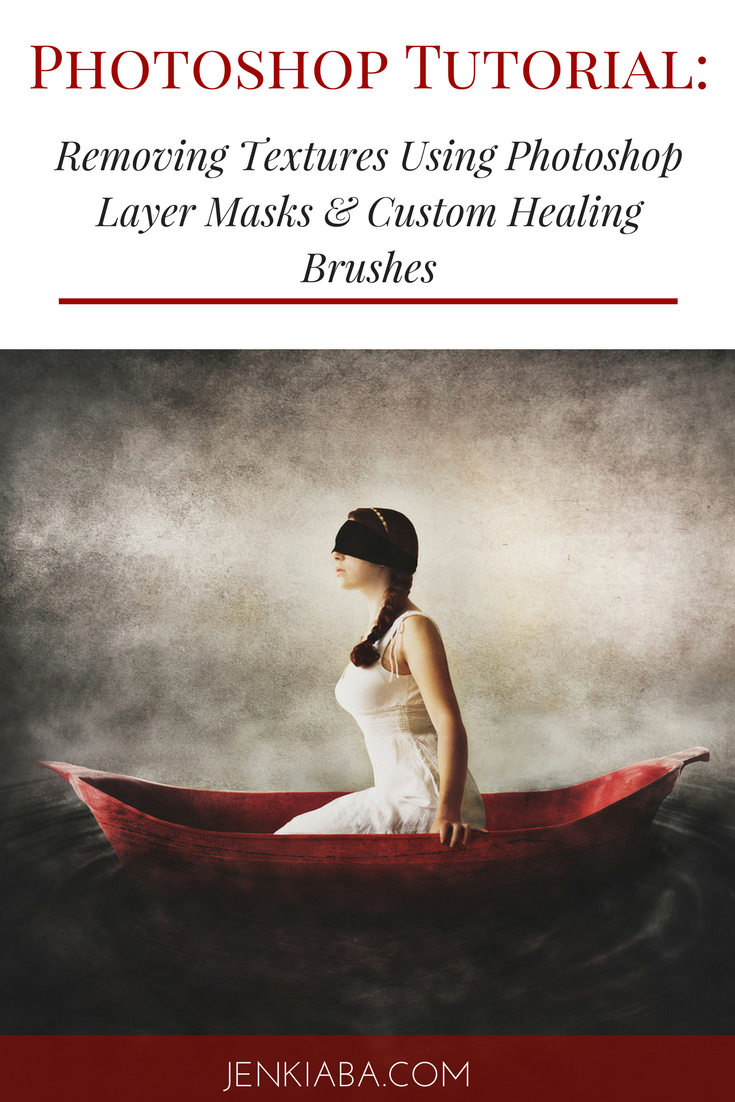
As promised, here is Part Two of my "Using Textures to Enhance Your Portrait and Fine Art" tutorial series! If you missed Part One, check it out here: Photoshop Tutorial: Using Textures to Enhance Your Portraits and Fine Art.
One of my biggest pet peeves when I began using textures was that I didn't always want to see the texture on the skin. There are times where it definitely enhances the image: think of cracks overlaid on skin and what a cool effect it could make.

But there are other times, say with a bridal portrait, where the texture doesn't exactly make it look like the bride has the greatest skin.
When I began creating my most recent series, "Burdens of a White Dress," it was really important to me to be specific about how and where the textures were applied.
For the most part I only wanted the texture to be applied to the background.
In this video I show you a couple of different ways you can achieve that result.
The first way is to use Layer Masks. This method can work great if your textures aren't changing the overall exposure of your image. But if you have multiple textures on various blending mode, especially soft light, multiply or overlay, you'll likely end up having a few textures that are effecting the brightness or contrast of your photograph.
So, in order to remove textures without affecting exposure I like to use a custom healing brush.
Take a watch and see how I use both methods, and how to create that custom brush:
If you'd like to get more of the tutorial videos in this series delivered straight to your inbox, along with the free Photoshop Grunge Textures that I use,
click here to sign up for my newsletter
.
As always, take a watch and let me know if you have any questions.
The next video will be talking about how to create Texture Recipes that you can use over and over again on your images to create consistency within a series.
So stay tuned and happy creating!

I have a confession to make:
Do you know what my biggest difficulty in editing used to be?
Consistency!
I was all over the place with my editing. In fact I could have probably won an award for "Most Photoshop Actions & Lightroom Presets Used."
Unfortunately for both me and my portrait clients, that meant that my style was never cohesive AND it took me forever to edit a session.
Seriously, I would start form scratch every single time I started a new image, like I was reinventing the wheel.
Plus I had no signature "look." No one would have looked at my work and said "Ah, that looks like Jen Kiaba took that photograph."
And that's what we all want, right?